
What's the Temperature Beside My Plants vs the Rest of the Room?

The TempPro TP50 displays temperature and humidity on its screen — no app, no remote alerts. How I use it to find cold, dry spots by my plants.
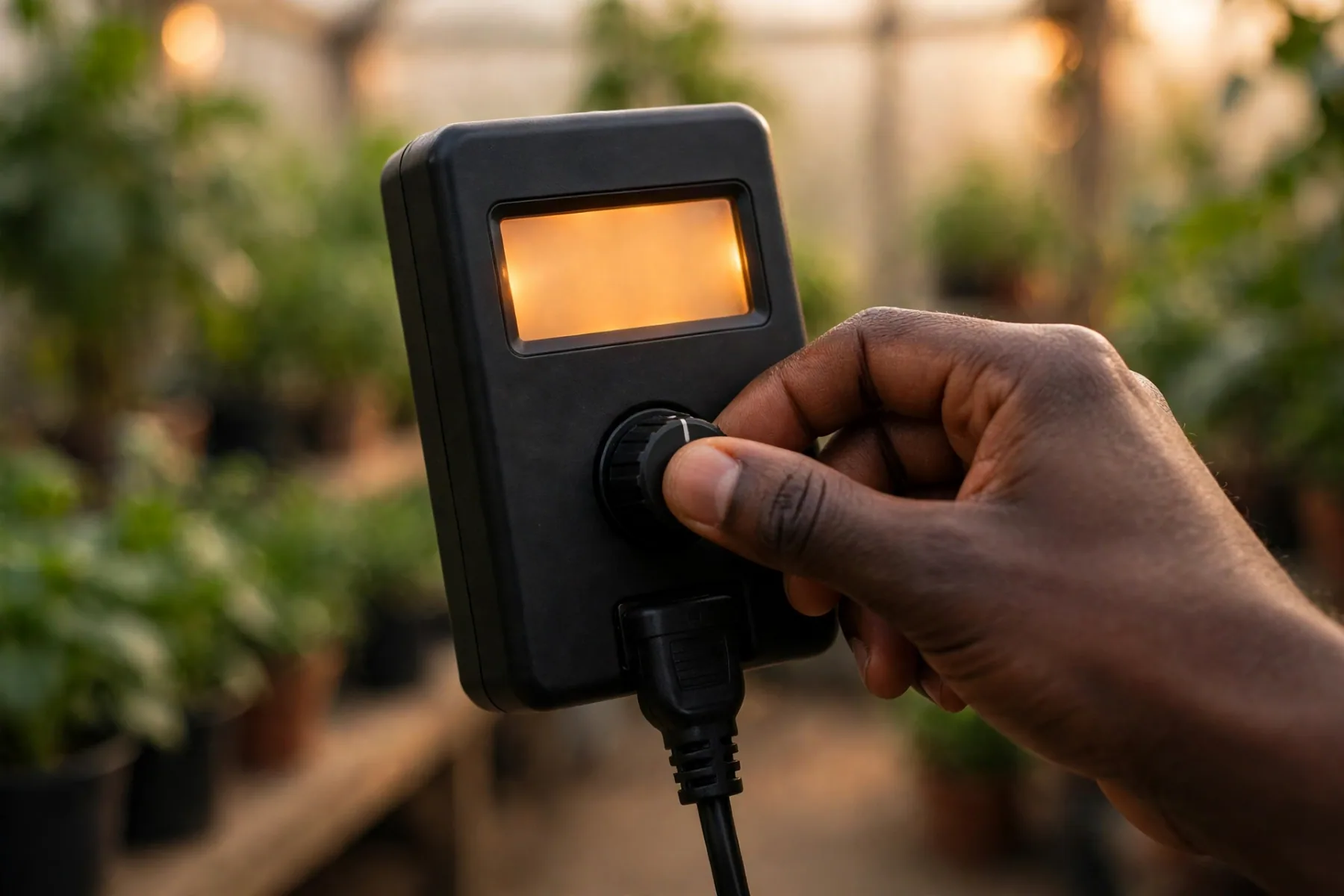
My thermostat says 70 degrees, but the monstera sitting next to the window disagrees. The air in the middle of the room and the air right beside my plants are two different climates, and this winter I decided to stop guessing which one my plants are actually living in.
The tool I’m using is the TempPro TP50, a small digital thermometer and hygrometer that shows the temperature and humidity on its own display. Before we go any further, let me be clear about what it is and what it isn’t, because this matters: it displays readings locally on the unit. It does not send alerts to your phone, it doesn’t connect to an app, and it won’t notify you when anything changes. You walk over and read the screen. That’s the whole deal, and honestly, for what I need, that’s enough.
🌱 What I use
TempPro TP50 Temperature and Humidity Monitor — the little display I park beside my plants to see what they’re actually feeling.
https://www.amazon.com/dp/B01H1R0K68?tag=andreferrei04-20
Why the temperature beside your plants matters more than the thermostat
Your thermostat measures one spot, usually a hallway or living room wall, at about chest height. Your plants live on a windowsill, in a corner, maybe six inches from cold glass. On a cold night, the sill can run noticeably colder than the room, and once the heat kicks on, the humidity near a heat source can crater. None of that shows up on the thermostat. A small monitor sitting beside the pot tells the truth.
What the TP50 is, and what it isn’t
The TP50 is a small digital unit with a screen that shows the current temperature and humidity, plus the recent highs and lows. You set it down and it starts reading. What it does not do: connect to Wi-Fi, pair with a phone, or send you any kind of remote alert. If you’re picturing a notification that says your plants are cold, that is not this product. This is a walk-over-and-look device, and I want that stated plainly so nobody buys it expecting a smart sensor.
Where I’m placing mine
I’m putting the TP50 right where the plants are, not where I am. Beside the pots on the windowsill, at leaf level, a few inches from the glass. That’s the microclimate that matters. I’ll move it around over the first week: the sill, the plant shelf across the room, the corner where my most cold-sensitive tropicals sit. Each spot gets a day or two, and the high/low memory tells me how far each spot swings overnight without me having to check at 3 a.m.
What the numbers tell me
- Cold pockets: if the sill reads much colder than the room at night, that plant is sitting in a cold draft zone. Move it back from the glass or seal the window draft.
- Dry air: when the heat runs, indoor humidity can drop into the range where tropicals crisp at the leaf edges. The TP50 shows me exactly when that happens.
- Swings: big day-to-night swings stress plants more than a steady cool temperature. The high/low memory makes those swings visible.
Acting on the readings
A monitor doesn’t fix anything by itself; it just stops you from guessing. My plan is simple: cold sill readings mean moving sensitive plants a few inches back from the glass or sealing the window draft. Dry readings mean grouping plants together, adding a pebble tray, or running a humidifier nearby. The TP50 just tells me which problem I actually have, in which spot.
The bottom line
What’s the temperature beside my plants versus the rest of the room? Until you measure it, you don’t know, and the difference is often bigger than you’d guess. The TempPro TP50 won’t text you about it, but it will show you, right on its screen, every time you walk past. That’s the end of guessing where your plants’ climate actually stands.
Keep exploring
Find more Junecity guides
Browse practical gardening, outdoor living, and DIY articles.Browse the blogKeep growing
Suggested reading
Can I Grow an Avocado Tree in the Ground in Connecticut?
Discover the ins and outs of growing an avocado tree in Connecticut, including suitable conditions, care tips, and potential challenges.

I Water My Plants With Fish Poop Water 😂🐟
Discover the surprising benefits of using fish tank water to nourish your plants. This guide explores how nutrient-rich fish waste can enhance plant growth in your greenhouse.
0 comments
Comments (0)
We love hearing from our community. Share your thoughts, questions, or experience.
Have something to add?
Log in to post, react, share images, and join threads.
Newest First
All Comments
Showing 0-0 of 0
Start the conversation.
Questions and first-hand experience are welcome here.